First
Regulatory, Environmental and Land teams at operators
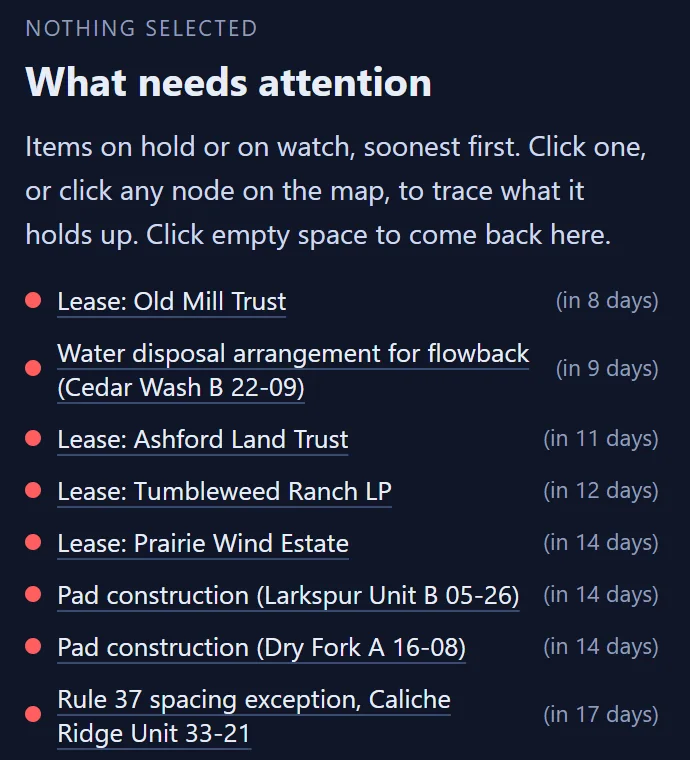
Mid-market oil and gas operators, starting in Texas. One list of what needs attention, soonest first, with the chain behind each item.
For oil and gas operators
ChokePoint is the pulse check for an operator's permits, leases and regulatory obligations.
01 / The problem
A missed one can cost a fine, a penalty or a lost lease. The clocks that matter run in separate systems, kept by different teams.
kept in the regulator's portal
kept in the lease file
kept in the injection reports
kept in the vendor's certificates
ChokePoint puts every clock in one place. Each item opens its chain: what it holds up, where it is on the ground and which lease it reaches.
02 / Demo
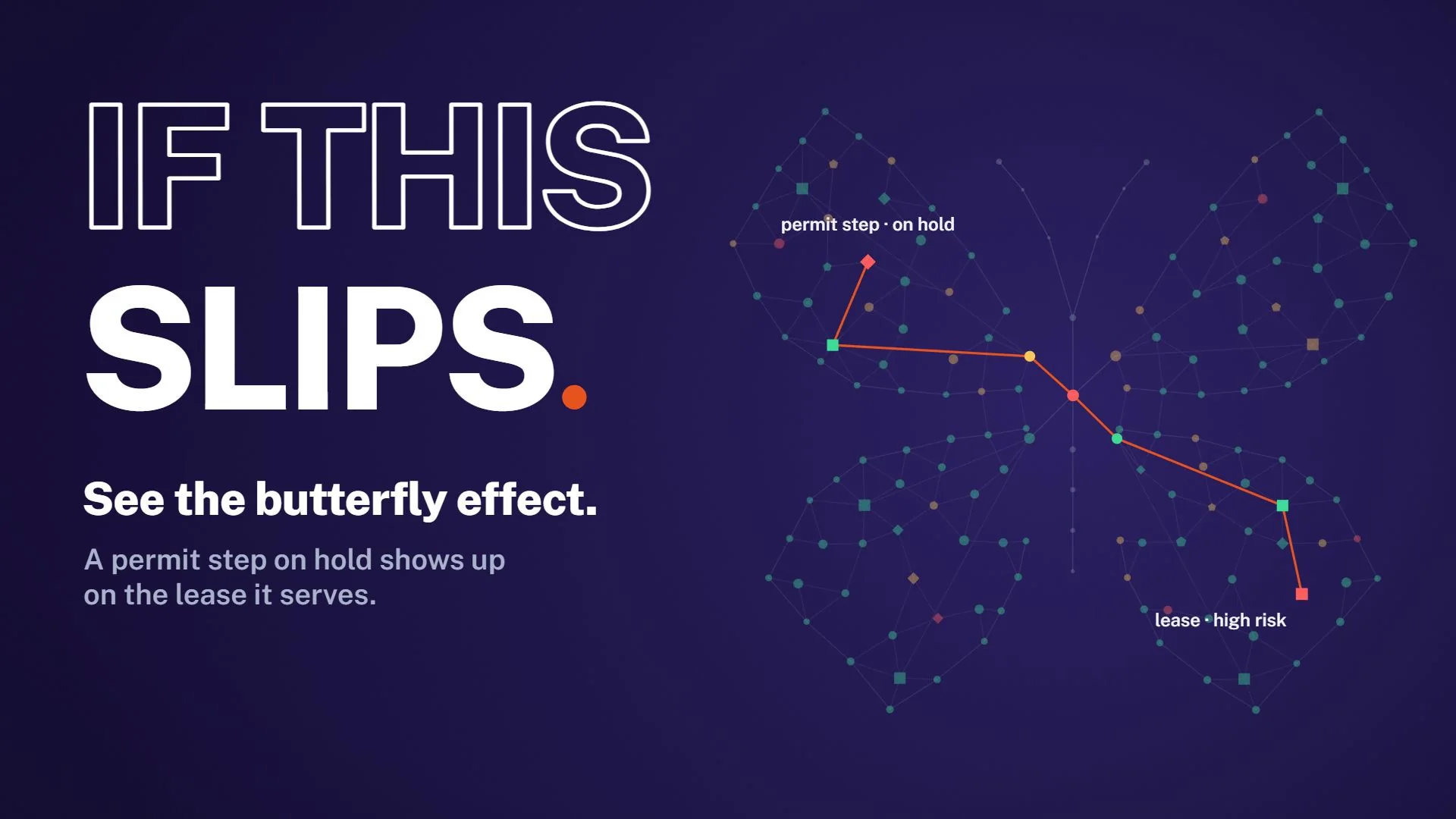
Ninety seconds of the product on a fictional operator: one map, the butterfly effect, the lease clock and the reports each reader gets.
Screens show a fictional operator, Example Operating, LLC. All records, leases and figures are invented.
03 / Three views
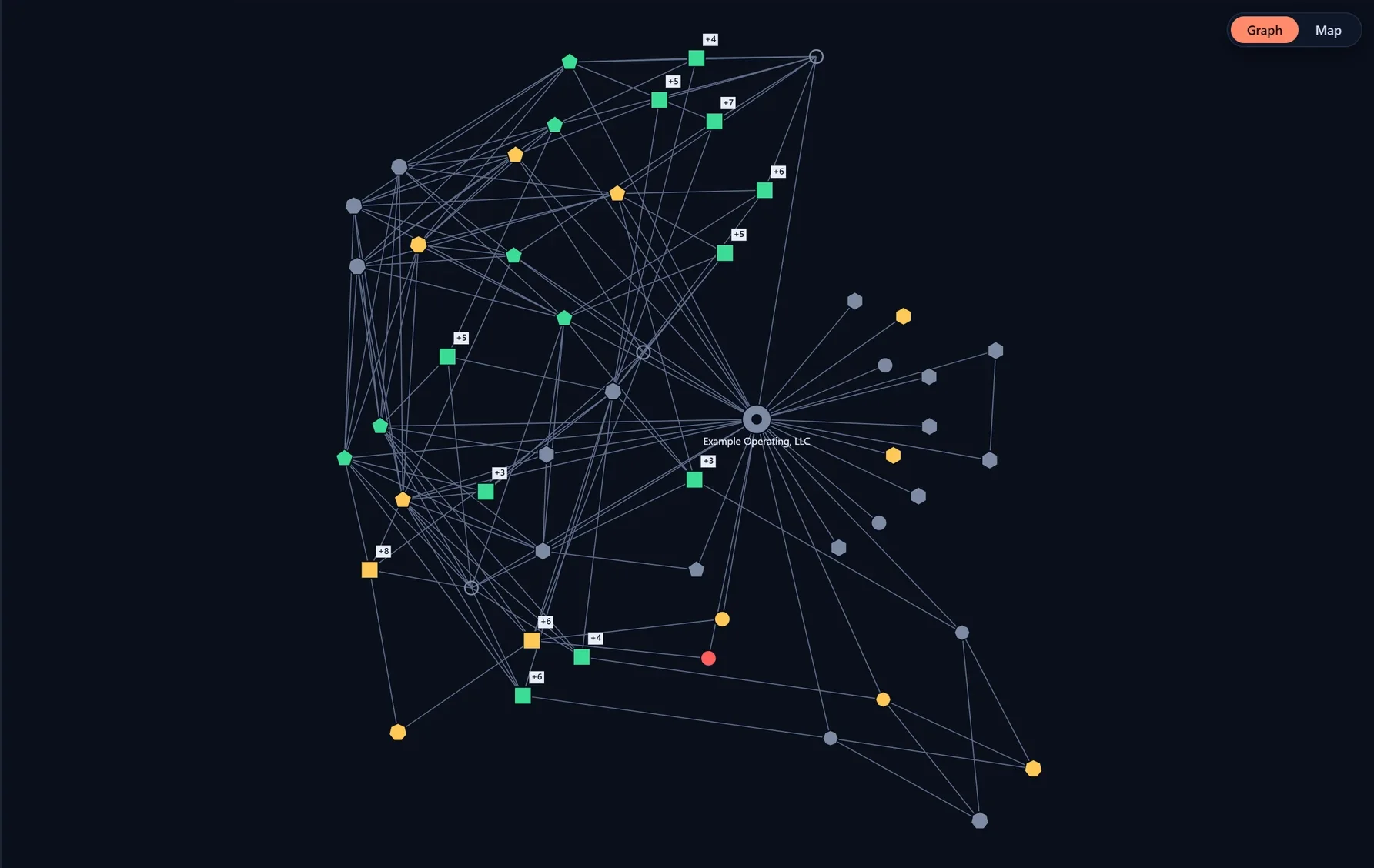
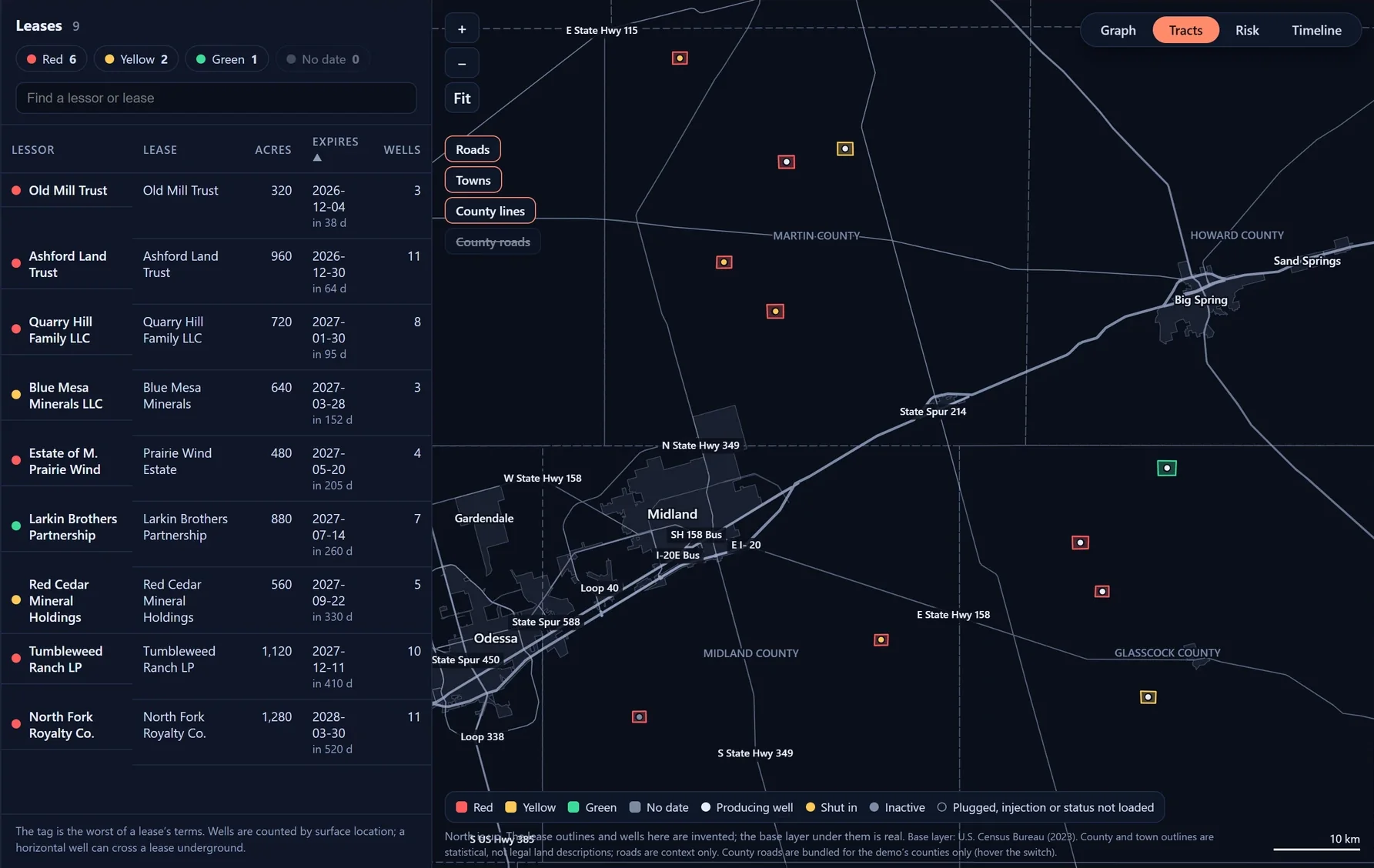
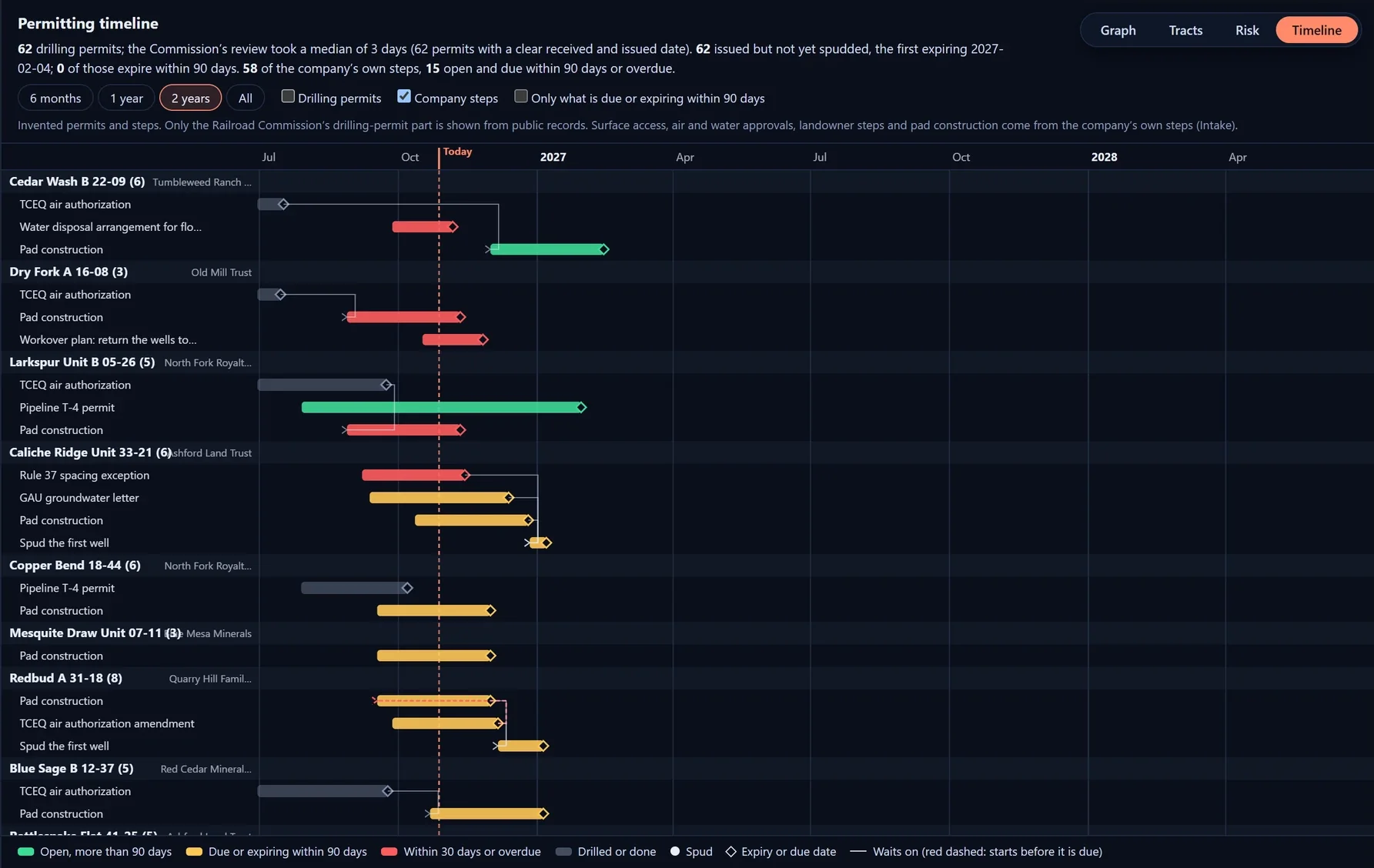
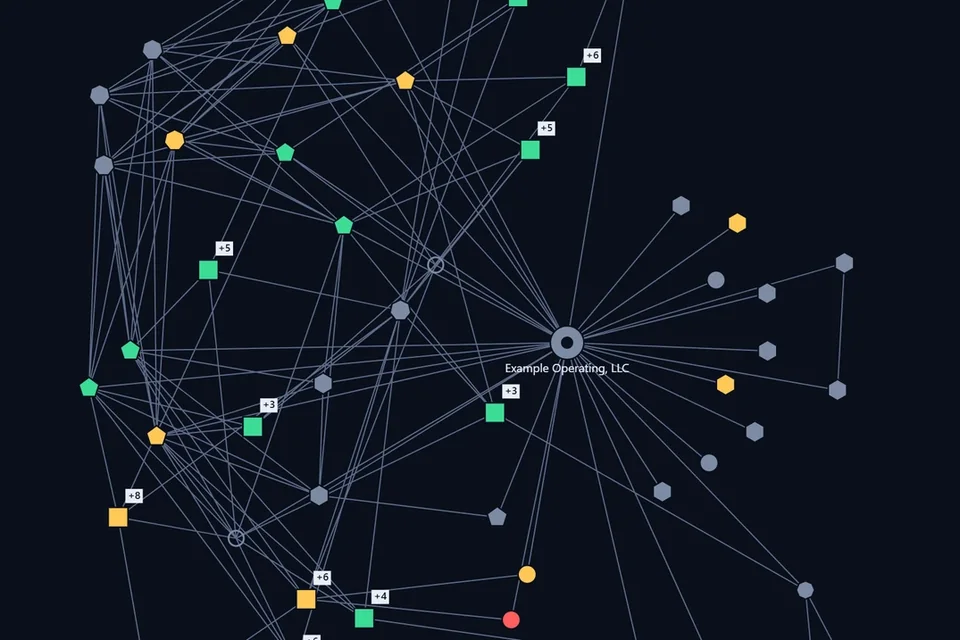
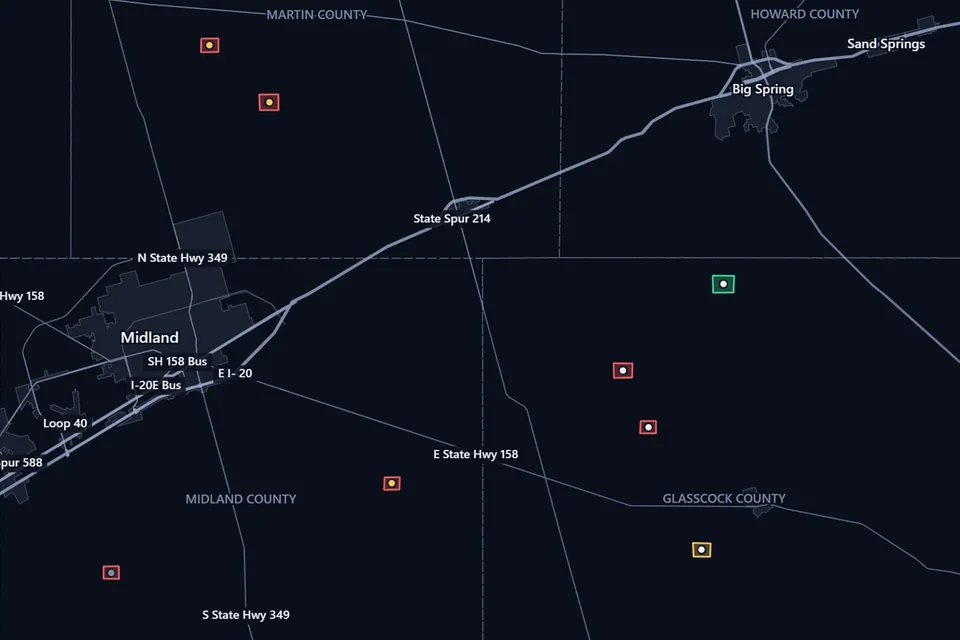
The same records as a graph, on a map and on a timeline, and each team sees its own part. Public records come from the agencies’ own files; the company’s permits and leases come in from a spreadsheet or a shapefile.
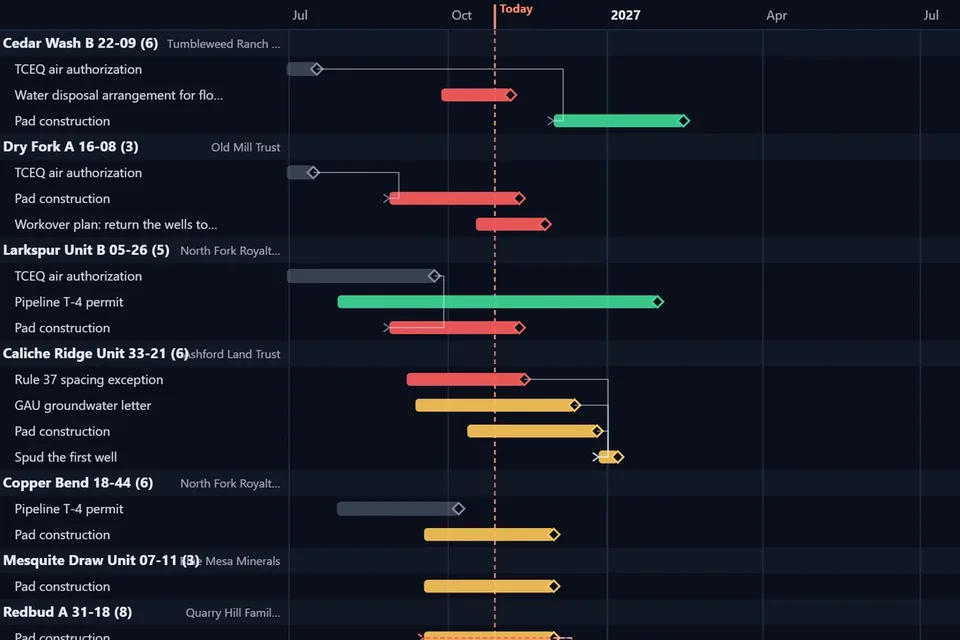
Planned
Every date from Regulatory, Environmental and Land in one month, filtered by team, and sent to Outlook or Google Calendar. Not in the app yet.
04 / One graph
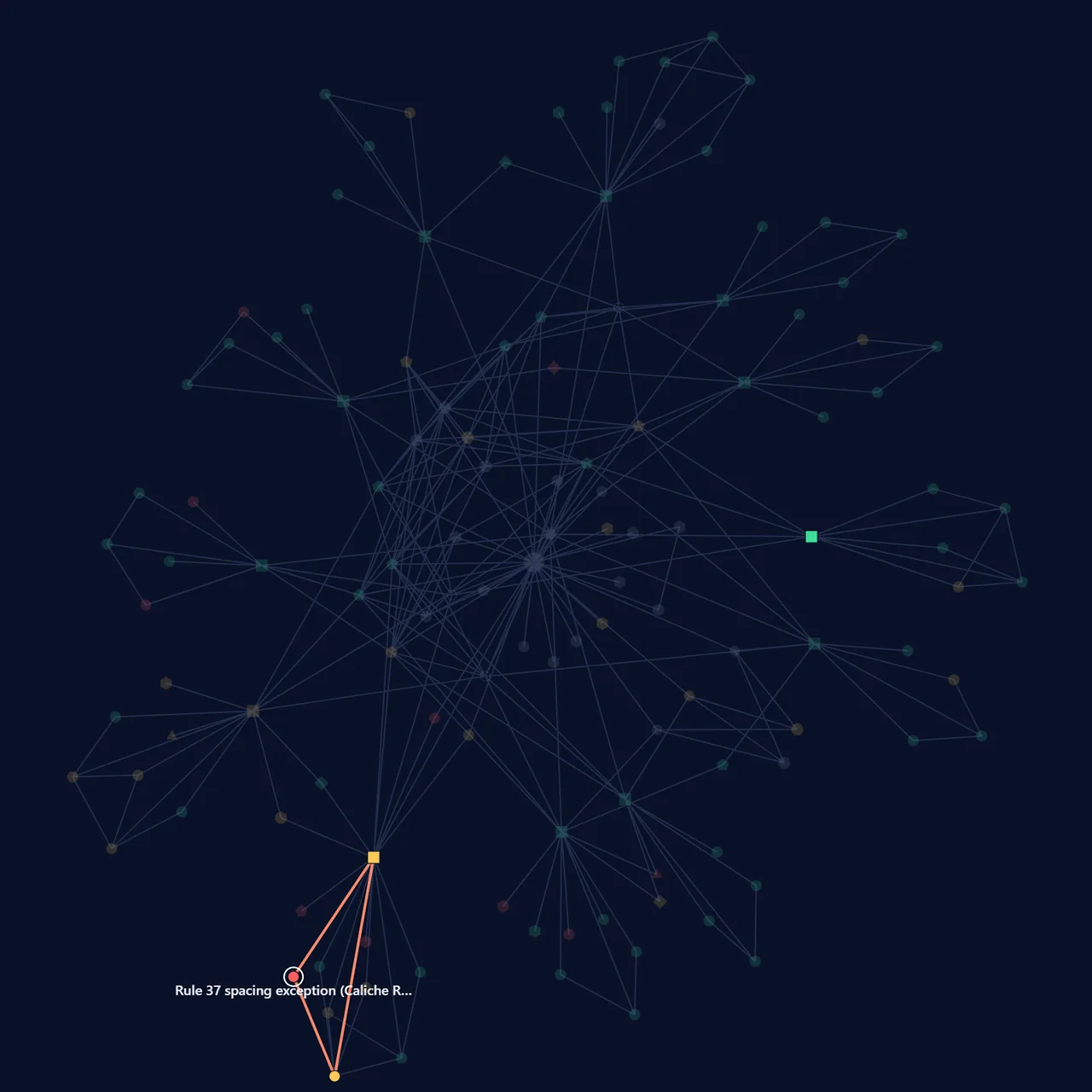
In the simulated sample, the operator’s Regulatory / Environmental graph, with the chain behind one Rule 37 step lit. The other 24 records are context.
05 / If this slips
A permit step on hold in one team’s files can put a lease at risk in another’s. ChokePoint draws the chain between them, with what to check and who owns the fix.
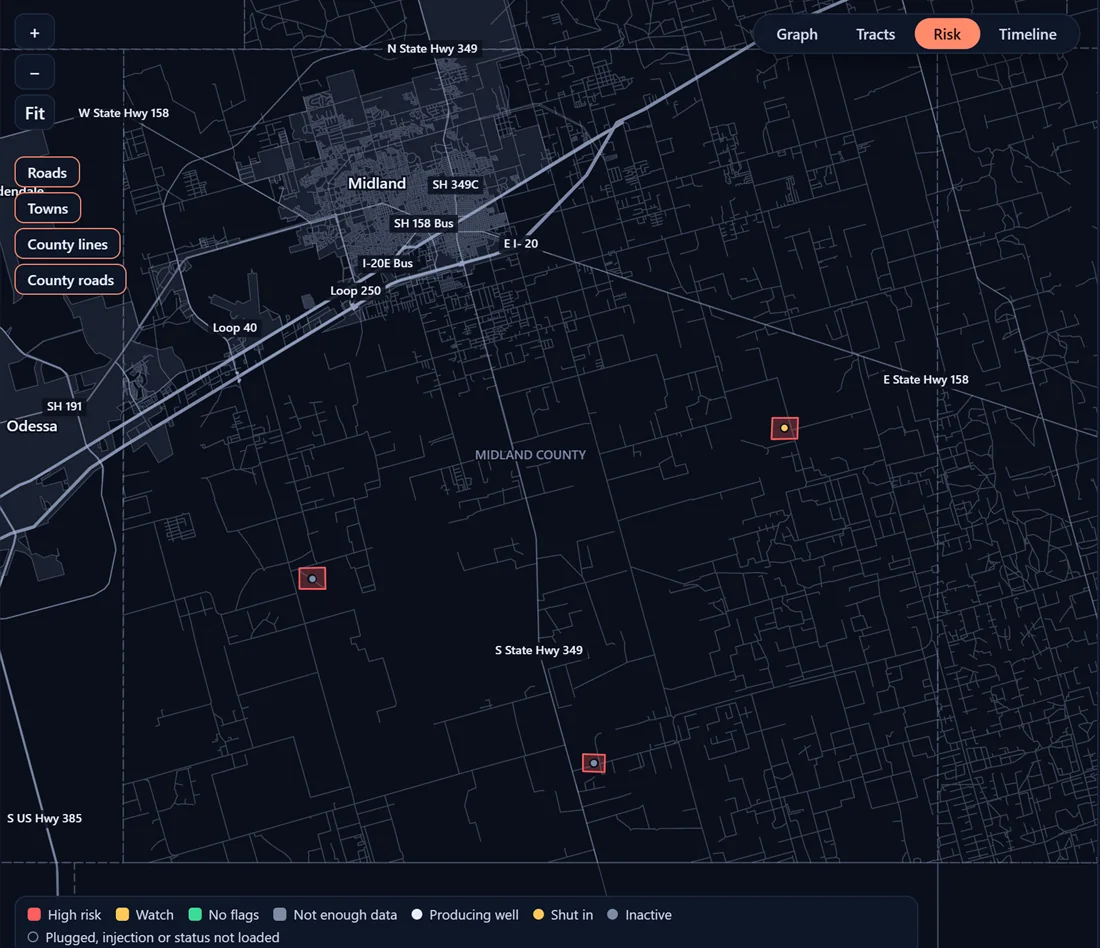
Caliche Ridge Unit 33-21the pad the step applies to, on the Ashford tract
Rule 37 spacing exception · on scheduleRule 37 spacing exception · on hold
Ashford lease · clearAshford lease · high risk
$9.5 millionat stake if the lease were lost
$45,000the operator’s own estimate of what it costs to prevent that
In the simulated sample: the operator’s own figures for the Ashford lease, added up by ChokePoint.
06 / Audience
First
Mid-market oil and gas operators, starting in Texas. One list of what needs attention, soonest first, with the chain behind each item.
Next
The same record, read as a snapshot: what is on hold, what is on watch and what was checked.
07 / Security
Lease terms, permits and plans are sensitive. This is what ChokePoint does with them, and what it never does. A walkthrough uses a fictional operator, so you can see all of it before sharing a single file.
Where it runs
ChokePoint can run in your own cloud account or network. Your records never leave it; only public records come in.
Or hosted by us
If you would rather we run it, your records are walled off from every other company’s, and inside your company each role sees only its part.
Encryption
Every connection is encrypted. When we host your records, they are encrypted on disk as well.
AI
Your records are never used to train AI models, ours or anyone else’s.
Deletion
We delete your records whenever you ask and confirm it in writing. When a contract ends, they are deleted within 30 days.
Your review
We sign your NDA before you share anything, complete your security questionnaire, and walk your IT team through how data flows.
This covers ChokePoint itself. What this website keeps when you request a walkthrough is on the privacy page.
08 / Contact
See ChokePoint on a fictional operator, then bring your own questions.
Or email aria@brandicapital.com